Smart plugs for small flats
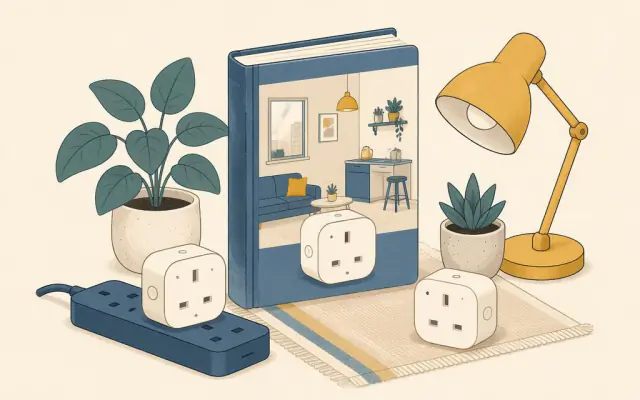
A smart plug sits between the wall socket and an appliance, letting you switch it on and off from your phone, by voice or on a schedule. In a small flat, where you may not be allowed to change light switches or wiring, smart plugs are the easiest way to automate lamps, fans and chargers.
Useful things to automate
- Lamps. Turn on a floor lamp at sunset and off at bedtime. In a studio, one schedule can make the room feel completely different in the evening.
- Fans and dehumidifiers. Run them while you are out, or only during certain hours.
- Coffee machines with a mechanical switch, so the machine is warm when you get up.
- Phone or laptop charging, switched off after a few hours to avoid keeping batteries at 100 percent all night.
- Standby power. A TV, games console and speakers left in standby use a small amount of power all day. A plug that cuts them off overnight saves a little energy.
Choosing a standard
- Wi-Fi plugs connect directly to your home network. They are cheap and need no extra hub, but most work only on the 2.4 GHz band, and many devices can crowd a busy network.
- Matter is an industry standard supported by Apple Home, Google Home, Amazon Alexa and Samsung SmartThings. A Matter plug works with any of them, so you are not locked into one ecosystem. Matter devices connect over Wi-Fi or Thread.
- Thread is a low-power mesh network. Thread plugs respond quickly and strengthen the network for other devices, but need a Thread hub, which is built into many recent smart speakers and streaming boxes.
- Zigbee plugs need a compatible hub and are popular with enthusiasts using open home automation software.
If you are starting from scratch, a Matter plug is the most flexible choice.
Energy monitoring
Some plugs measure how much power the connected device uses. This is genuinely useful in a small home: you can see what a dehumidifier, heater-free fan or old fridge really costs to run and spot devices that draw power in standby.
What never to plug into a smart plug
- Heaters, kettles, irons and other high-power heating appliances, unless the plug is explicitly rated for that load and the manufacturer allows it. Even then, remote-starting a heating appliance when nobody is home is a fire risk.
- Anything that exceeds the plug's rated current, usually printed on the back (for example 10 A, 13 A or 16 A depending on the country).
- Medical devices, fridges and freezers you rely on, and appliances that must not lose power unexpectedly.
- Extension leads loaded with several devices through one smart plug.
Setup tips
- Place plugs where your Wi-Fi or Thread signal is strong.
- Give each plug a clear name ("desk lamp", "fan") so voice commands work naturally.
- Use schedules and scenes rather than manual switching; the value comes from not thinking about it.
- Check the app's privacy settings and keep firmware updated.
A simple starter setup
Two plugs for lamps and one for a fan cover most of what a small flat needs. Add more only when you find a real job for them. Combined with the ideas in vertical storage for studio flats, a small home can feel calmer with very little effort.