Home / Mini PCs
Mini PCs
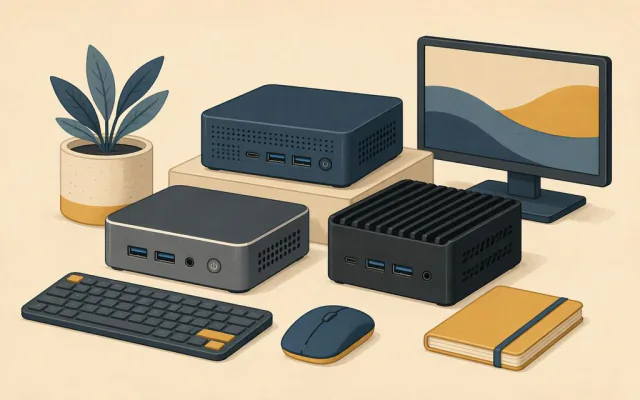
A mini PC is a complete desktop computer in a box roughly 12 to 15 cm on each side. Inside is usually a laptop-class processor, one or two memory slots and an M.2 slot for storage. You add your own screen, keyboard and mouse, or tuck it behind a TV.
For office work, browsing, streaming and light photo editing, a current mini PC does the job of a full tower while using a fraction of the power and desk space. The trade-offs are limited graphics power, fewer ports than a tower and cooling that can get loud if the box is pushed hard for long periods.
The guides in this section walk through choosing one, comparing it with a laptop, upgrading memory and storage, running it as a home media server and keeping it cool and quiet.
Guides in this section
How to choose a mini PC
The five specs that decide whether a mini PC suits you, the ones you can ignore, and the traps in listings.
Mini PC or laptop for a home office?
When a mini PC beats a laptop for working from home, when it does not, and what the real costs are.
Upgrading memory and storage in a mini PC
How to tell if your mini PC can be upgraded, which parts fit, and how to do it safely in about fifteen minutes.
Using a mini PC as a home media server
Turn a low-power mini PC into a media server for films, music and photos: hardware, software and setup tips.
Keeping a mini PC cool and quiet
Why small computers get loud, how to place them, and the software settings that cut fan noise without losing speed.