How to choose a mini PC
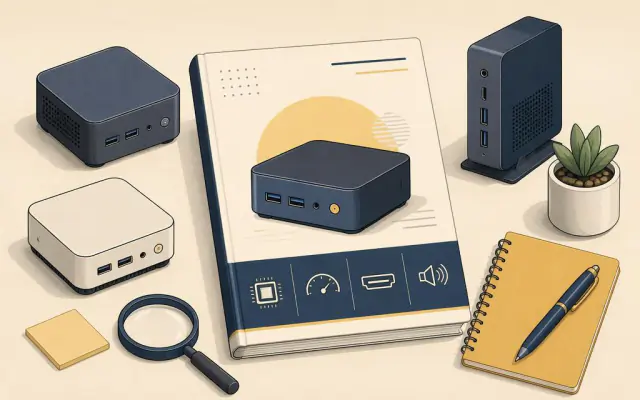
Mini PC listings are long, full of model numbers and often copied from one seller to the next. Most of that detail does not matter for everyday use. Five things do: the processor class, the memory, the storage, the ports and how the box is cooled. Get those right and almost any reputable model will serve you for years.
1. Processor: pick the class, not the model number
Mini PCs use laptop processors, and they fall into roughly three groups.
- Entry chips such as Intel's N-series (the N100 and its successors) use only a few watts. They handle web browsing, documents, video calls and 4K streaming comfortably, and they make excellent media players and small home servers. They struggle with heavy multitasking, large photo libraries and modern games.
- Mid-range chips, such as Intel Core i5 or AMD Ryzen 5 parts from recent laptop generations, are the sweet spot for a main home or office computer. Dozens of browser tabs, spreadsheets, light photo and video editing are all fine.
- High-end chips, such as Ryzen 7 or 9 "HS" and "H" parts with strong built-in graphics, can run many games at modest settings and handle serious editing. They need better cooling and a bigger power brick.
Buy for what you will do most days, not for the hardest thing you might do once a year.
2. Memory: 16 GB is the comfortable default
8 GB is enough for a media player or a single-purpose machine. For a main computer running a modern browser and office apps, 16 GB is the comfortable minimum and 32 GB gives headroom for editing or virtual machines. Check whether the memory sits in SO-DIMM slots (you can upgrade later) or is soldered to the board (what you buy is what you keep). Our upgrade guide explains how to tell.
3. Storage: NVMe, and ideally a second slot
Look for an M.2 NVMe SSD of at least 512 GB. Cheaper models sometimes use slower eMMC storage that is soldered in and small; avoid it for a main computer. A second M.2 slot or a 2.5-inch drive bay makes it easy to add space later.
4. Ports: count what you will plug in
Write down everything you will connect: monitors, keyboard, mouse, webcam, external drives, network cable. Then check:
- Display outputs. Two HDMI ports, or HDMI plus a USB-C port with DisplayPort output, let you run two screens.
- USB-C. A port marked with USB4 or Thunderbolt gives you fast external storage and docking. A plain USB-C port may be data only.
- Ethernet. Essential for a media server or a desk machine; 2.5 Gb ports are now common.
- Wi-Fi 6 or newer and Bluetooth for wireless keyboards and earbuds.
5. Cooling and noise
Small boxes have small fans. Entry chips can often run fanless or near-silent. Fast chips under load can whine. If the computer sits on your desk or in a bedroom, read owner reviews for comments on noise at idle and under load. See keeping a mini PC cool and quiet.
What you can mostly ignore
Peak "turbo" clock speeds, the exact generation suffix and marketing names for the cooling system rarely change the experience. What matters more is whether the seller states the memory and storage clearly, includes a licensed operating system and offers a sensible warranty.
A quick checklist
- Processor class matches your heaviest regular task.
- At least 16 GB of memory for a main computer, and you know whether it can be upgraded.
- NVMe storage of 512 GB or more, ideally with a spare slot.
- Enough display outputs and USB ports for your desk, plus Ethernet if you need it.
- A VESA mounting bracket in the box if you want to hide it behind a monitor.