Keeping a mini PC cool and quiet
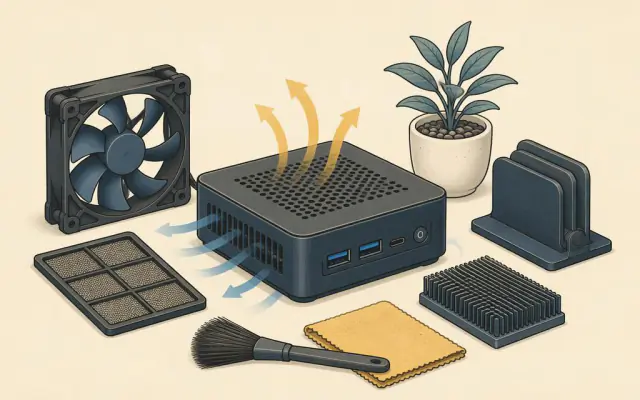
The most common complaint about mini PCs is fan noise. A small case leaves room only for a small fan, and a small fan has to spin fast to move enough air. The good news is that a few simple changes usually make a big difference.
Why it happens
Processors turn electricity into heat. Laptop chips are designed to run at a set power level (for example 15 to 28 watts for a mid-range part), but many mini PC makers let them run higher for short bursts so benchmark scores look better. During a burst the chip heats quickly and the fan ramps up. Once it settles, it may stay loud if the air around it is warm.
Placement matters most
- Give it air. Leave at least a few centimetres around the vents, especially the exhaust. A mini PC pushed against a wall or buried in a drawer recycles its own hot air.
- Avoid closed cabinets. A TV cabinet with doors can be several degrees warmer than the room. If it has to go in a cabinet, choose one with an open back or add a small, quiet USB fan.
- Mount it upright or on a VESA bracket behind the monitor where air can flow freely; check that the design supports the orientation you choose.
- Keep it off carpets and soft surfaces that block bottom intakes.
Settings that help
- Choose a balanced power mode. In Windows, the "Best performance" mode keeps the chip at high clocks. "Balanced" or "Best power efficiency" lowers heat and noise with little difference for office work.
- Limit the maximum processor state. In the advanced power plan settings, setting the maximum processor state to 99 percent disables turbo boost on many systems. The machine is a little slower in short bursts but much quieter.
- Check the firmware. Many mini PCs have a firmware option for fan curves or a "silent" profile. Raising the temperature at which the fan speeds up can cut noise during light use. Do not disable thermal protection.
- Find the busy process. If the fan never calms down, open Task Manager and look for a program using the processor constantly. Browser tabs, indexing and updates are common culprits.
Maintenance
Dust collects in fan blades and on heatsink fins, raising temperatures and noise over time. Every six to twelve months, unplug the computer and blow short bursts of compressed air through the vents, holding the fan still so it does not overspin. If a fan starts to rattle or grind, it is usually a cheap replacement part available from the manufacturer.
When to consider a different model
If quiet operation is your priority, for a bedroom or a recording space, choose a model with a lower-power processor or a fanless design. Fanless mini PCs use the whole case as a heatsink and are completely silent, at the cost of lower sustained performance. For everyday office work and media, that trade-off is often worth it. See how to choose a mini PC for processor classes.
What temperatures are normal
Laptop processors are designed to run hot. Readings of 80 to 95 °C under heavy load are within normal limits for many chips, and they slow themselves down automatically if they get too hot. Idle temperatures far above 60 °C, or a machine that shuts off by itself, point to a placement, dust or fan problem.